Shared subscription splitter for family plans and recurring costs
Add the plan once as a recurring expense, paid by the account holder and shared by everyone on it, and each person's share is added every billing cycle. A $24 monthly family plan shared by four people is $6 each per month. The balance shows who still owes the person who pays.
See it in action
Start with the provider's sharing rules
Before splitting a subscription, check the provider's family-plan rules, number of allowed users, and billing cycle. SplitMyBills can track the money, but the provider controls who may use the account and which sharing arrangements are allowed.
Once the arrangement is agreed, decide whether everyone pays equally or whether a premium tier, extra seat, or different usage should change the contribution.
- Equal contributions for a standard family or household plan.
- Exact amounts when one person pays for an extra seat or add-on.
- A clear due date so the payer knows when reimbursements are expected.
Split monthly and yearly subscription costs
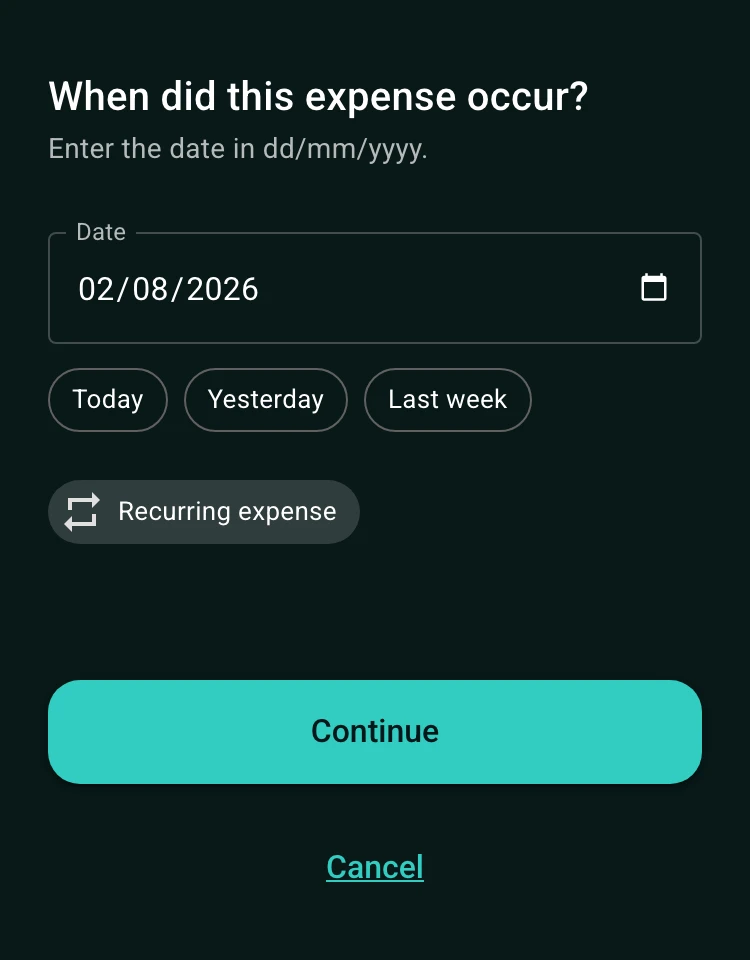
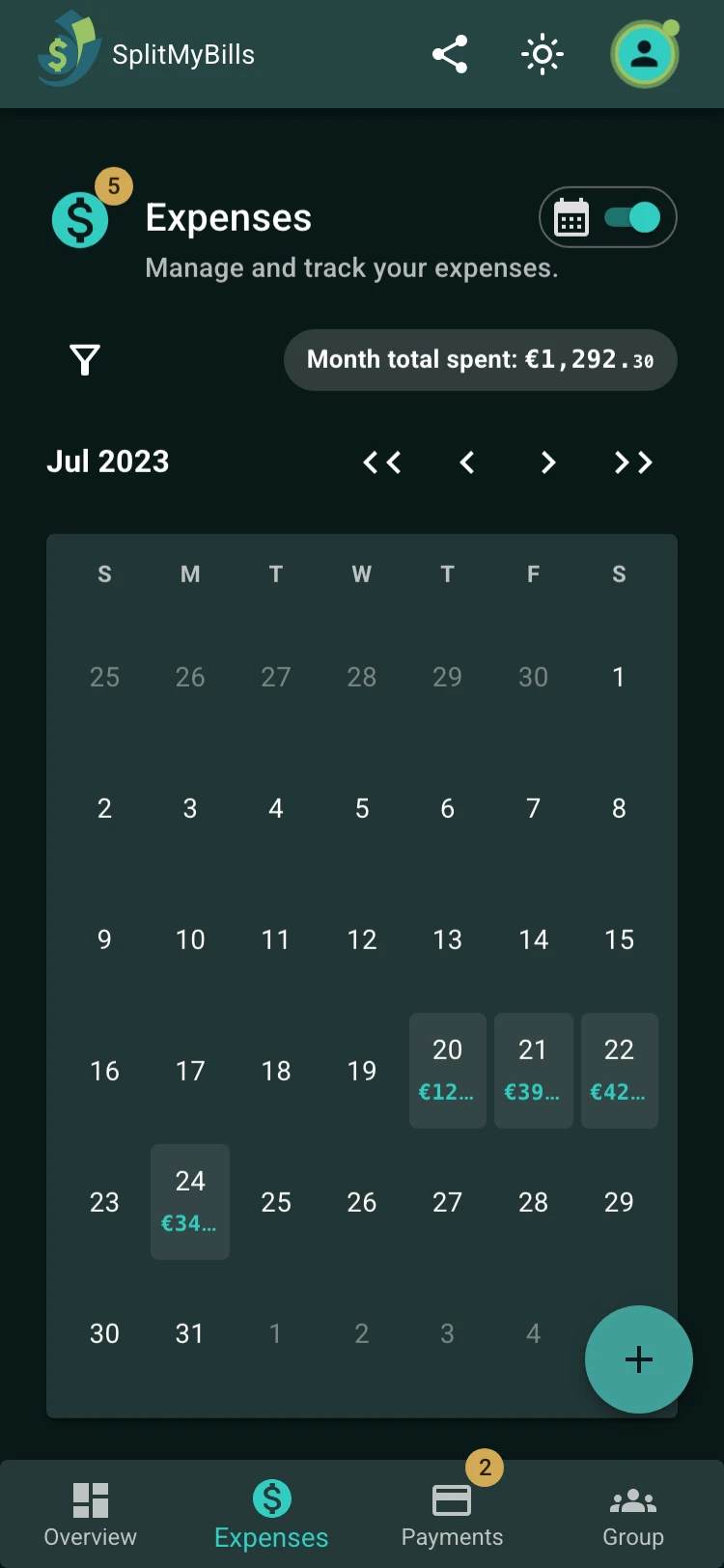
Subscriptions are a natural fit for recurring expenses. Add the billing frequency and review future instances in the calendar view. This gives the group a record of the upcoming charge without manually creating a new line every month.
Keep the group focused on the shared cost. Do not add private account passwords, payment-card details, or information that the group does not need to settle the subscription.
See who has paid their share
Usually one person pays the provider and the other members reimburse that person. Record the payer and the participants for each recurring charge, then review the payments and final balance in the same group.
If someone leaves the plan, stop including them in future expenses and agree how to handle any remaining billing period. A written rule is easier to follow than a memory of an old group chat message.
How to get started
Create a group for the subscription
Name it after the service or household and add the people sharing the plan.
Add the recurring charge
Record the payer, billing frequency, amount, and participants who should reimburse the cost.
Review contributions each cycle
Check who has paid and settle any remaining balance.
Frequently asked questions
Yes. Recurring expenses support regular schedules including monthly and yearly charges, along with other supported frequencies.
Yes. Use exact amounts or percentages when the group agrees that contributions should not be equal.
No. SplitMyBills tracks the shared expense and reimbursements. The subscription provider controls the account, plan, access, and acceptable sharing rules.
For recurring costs
Split a subscription every month.
Set up a recurring expense for a family plan, streaming service, or shared subscription and keep contributions visible.
Track a subscription- Add the chargeRecord the plan, payer, amount, and schedule.
- Set contributionsUse equal, percentage, or exact amounts.
- Check payment statusKeep each billing cycle easy to verify.