Family expense splitter for groceries and shared household costs
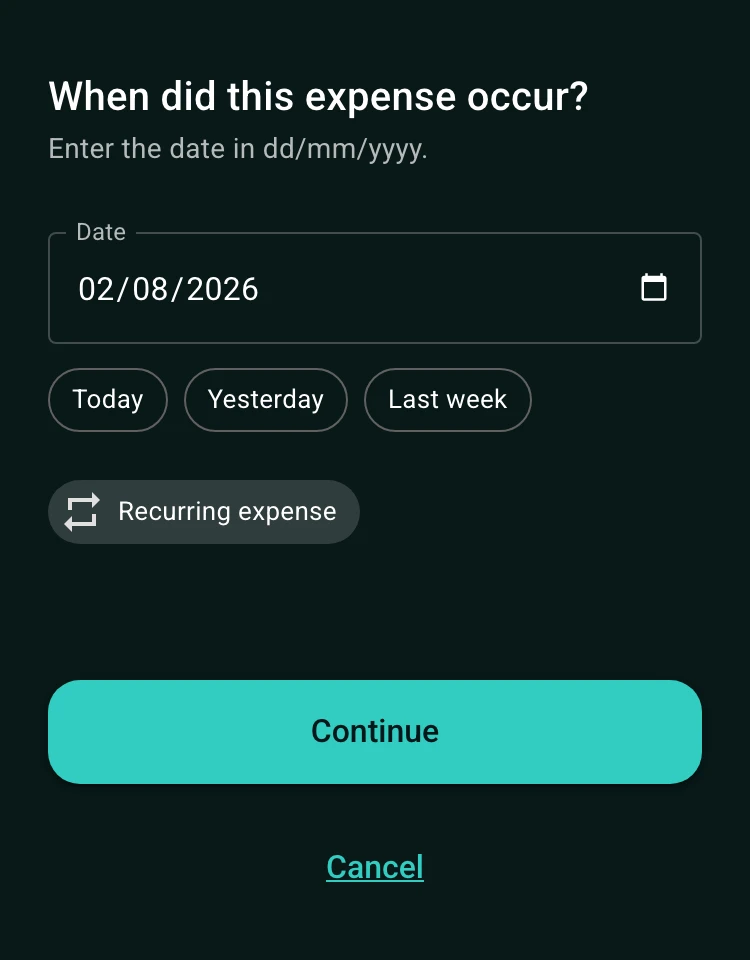
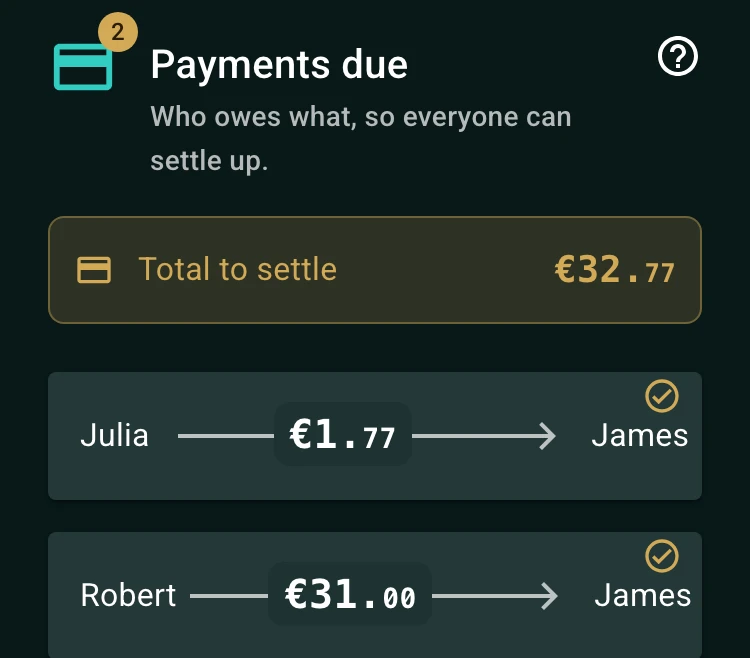
Add each shared cost with who paid and which family members it was for, and the balance shows who owes whom. Groceries can be split equally while a child's activity is shared by just the parents; every expense keeps its own split. Regular costs such as utilities or school fees repeat on a schedule, so they are added for you.
See it in action
Separate family costs from personal spending
Start by agreeing on what belongs in the shared family balance. Groceries for the household, utilities, school supplies, and a group activity may be shared, while personal shopping or an individual meal should normally stay separate.
Keeping the boundary clear makes the balance easier to trust. Add a short description and category so the group can understand what each expense was for later.
- Shared groceries and household supplies for everyone at home.
- Activities, outings, and purchases used by several family members.
- Personal costs kept outside the shared balance.
How to split family expenses fairly
Equal splits are simple when everyone benefits similarly. Use exact amounts when only some family members participate, or percentages when the household has agreed contribution ratios. The right rule is the one everyone can explain before the expense is saved.
Different expenses can use different rules. A grocery shop may be shared by the household, while a ticket for one activity may include only the people who attended.
Keep recurring household costs predictable
Utilities, internet, memberships, and other regular costs can be recorded as recurring expenses. Review future dates in the calendar view and update the contribution when the amount or participants change.
Use one group for the shared household costs and agree on when the group reviews the balance. A predictable monthly check helps prevent small reimbursements from becoming a forgotten pile.
How to get started
Create a family group
Name it after the household and add the family members sharing the costs.
Record shared purchases and bills
Add the payer, amount, date, category, and participants, then choose the contribution method.
Review and settle together
Check the family balance on the agreed schedule and settle reimbursements from the same group.
Frequently asked questions
Yes. Select only the people who benefited from that expense, so a shared activity or purchase is not assigned to family members who did not take part.
Yes. Use recurring expenses for regular household costs such as utilities, internet, memberships, or other scheduled bills.
Yes. Each expense can use an equal, percentage, or exact-amount split, so the contribution rule can match the type of cost.
For family costs
Keep shared household spending easy to review.
Separate family costs from personal spending, track recurring bills, and make each contribution clear.
Start a family group- Add shared costsRecord groceries, supplies, bills, and activities.
- Choose family membersInclude only the people who benefited.
- Review contributionsKeep the household balance clear and predictable.