Roommate bill splitter for rent, utilities, and groceries
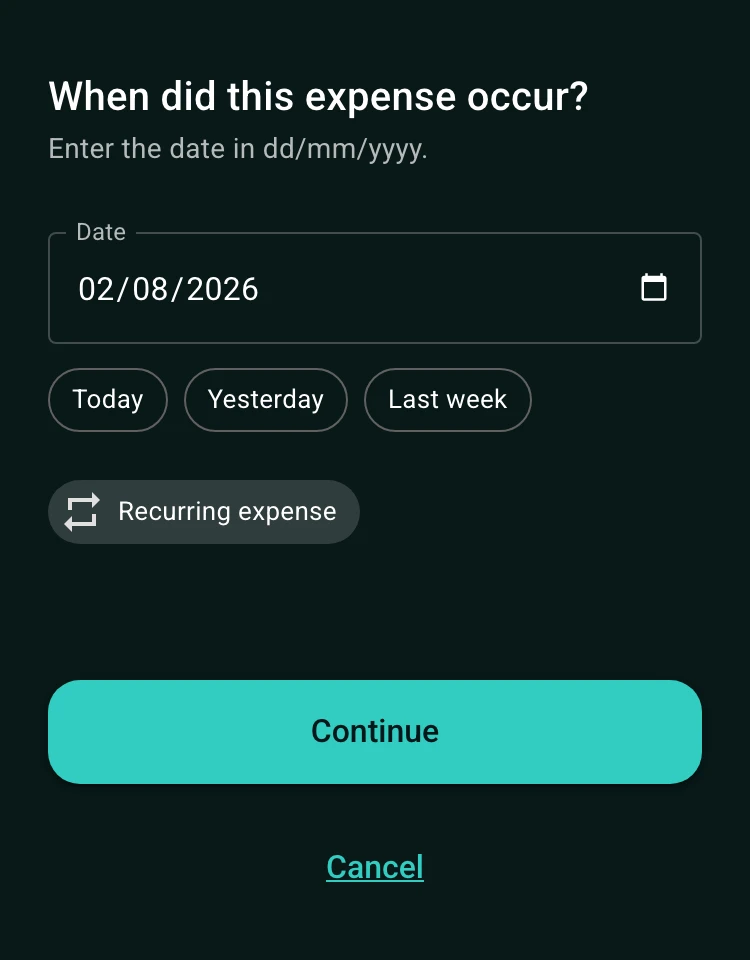
Add each household bill once, with who paid it and who shares it, and the balance shows what every roommate owes. Rent can follow room size: $2,400 split as $1,000, $700 and $700 with exact amounts, while internet and power are split equally. Rent and utilities can repeat every month, so nobody re-enters them.
See it in action
How to split rent and utilities with roommates
Not every household expense should be divided the same way. Split rent equally when everyone has a similar room, use exact amounts when rooms differ, and use percentages when contributions need to reflect an agreed share.
For example, if three roommates share a $120 internet bill, an equal split is $40 each. If one roommate is away for part of the month, you can record an exact amount instead of forcing every bill into the same rule.
- Equal splits for shared utilities and household supplies.
- Percentage splits for agreed income or usage-based contributions.
- Exact amounts for different room sizes, absences, or personal purchases.
Track recurring rent and utility bills in one place
Rent, electricity, internet, water, and subscriptions repeat. Record the original expense as recurring so future dates can be projected and reviewed in the calendar view instead of re-entering the same bill every month.
Keep groceries and one-off household purchases in the same group. Each expense can show who paid, who is included, and how the balance changes over time.
Settle up at the end of the month
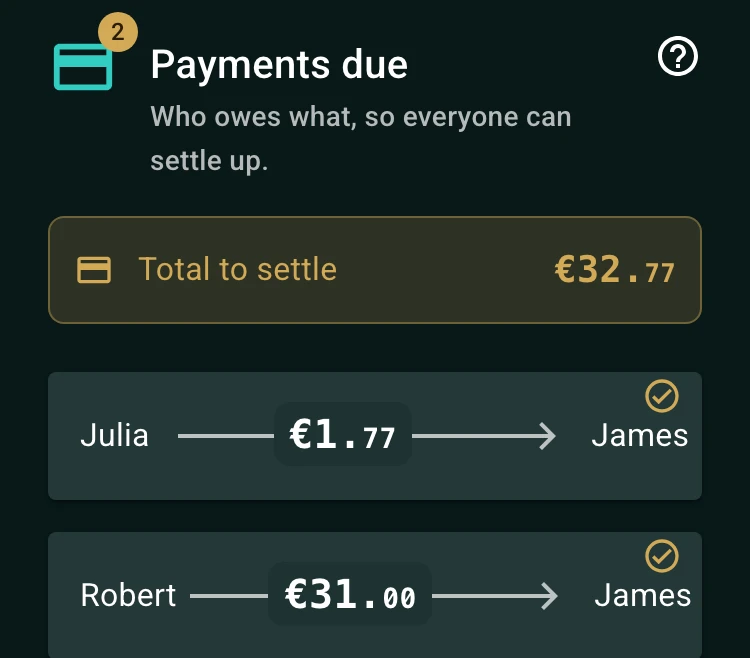
A roommate bill splitter is most useful at the end of the month. SplitMyBills keeps the payer and participant details together, calculates each person's balance, and gives everyone one link to the same balance.
Use one currency per group and agree on how rounding should be handled before settling. The FAQ explains why a one-cent difference can sometimes appear when amounts are divided.
How to get started
Create a group for your home
Name it after your home, such as Apartment 4B, and add each roommate.
Add rent, utilities, and shared purchases
Record the payer, amount, date, and people who should share each cost.
Review balances and settle up
Check the balance together at the end of the month and settle the amounts shown.
Frequently asked questions
Split rent by exact amounts or percentages so a larger room pays more, and keep an equal split for shared bills like internet. Each expense has its own split.
Yes. Recurring expenses support regular dates such as weekly, monthly, quarterly, and yearly schedules. Future instances can be reviewed in the calendar view.
No. SplitMyBills is designed to work without sign-ups. Share the group's link with the people who need to view or update the group expenses.
For household bills
Keep track of rent and household bills.
Track rent, utilities, groceries, and recurring costs in one shared place so everyone knows the plan.
Start a household group- Add recurring billsRecord rent, utilities, and shared purchases.
- Choose contributorsInclude only the people who share each cost.
- Review the balanceCheck contributions before the household settles.